


Improve student achievement and increase student success through enhanced communication and personalized feedback with our latest Cloud version.
Buy MarkBook®! Login
MarkBook® Cloud version
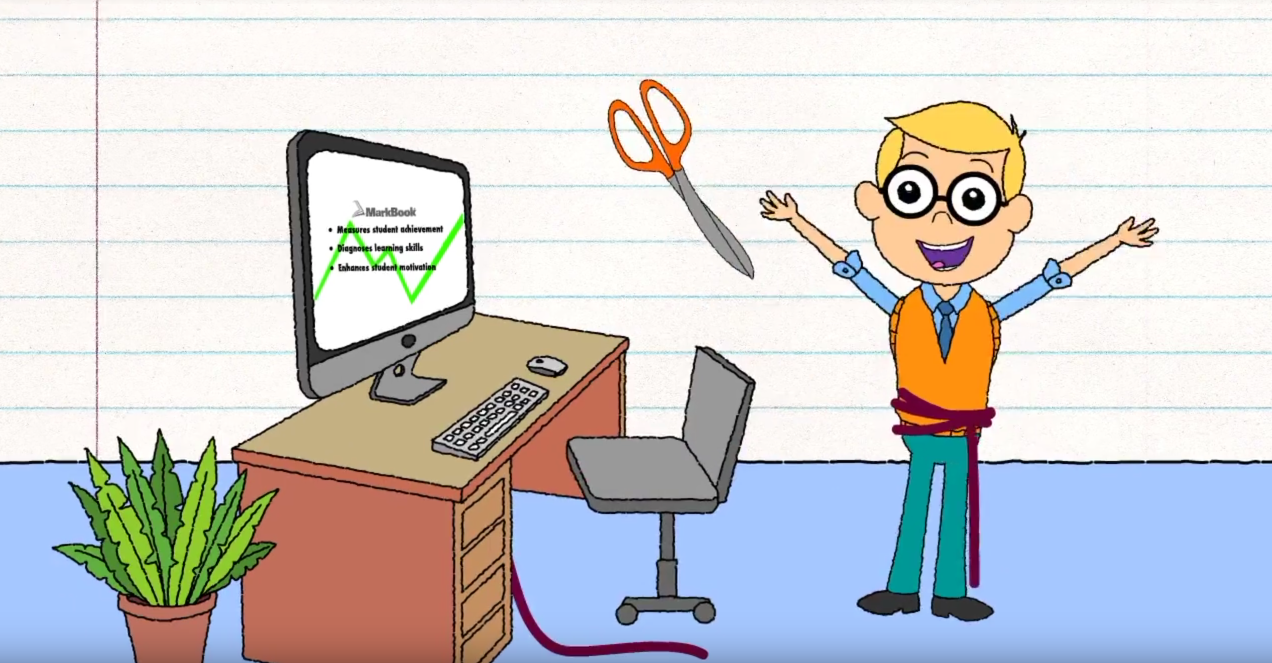
The Cloud version of MarkBook® allows you to access your marks anytime, anywhere from any computer. Your data is stored in a highly-secured Cloud vault – the most secure environment possible. Backups are performed automatically so you will never lose your data.
MarkBook® features a new, updated interface that implements all the features of MarkBook®.
Ordering MarkBook® Cloud version
Your MarkBook® license allows you to use both the desktop and browser-based versions of the program. For example, you could install the desktop version at home and use the browser version while at school, all while accessing the same data!
| The Desktop version offers... | The Browser-based version offers... |
|---|---|
|
|
Click the link to purchase Individual (Single Seat) versions of MarkBook® Cloud version by purchasing a license directly from Gateway Software.
Support
Software Demo
- MarkBook Demo – Try it free for 30 days!
Need MarkBook® Cloud Support?
- Quick Start Guide – Step-by-step guide to get you going as quickly as possible with MarkBook®.
- Converting from MarkBook for Windows – Step-by-step guide to get to Exchange Class Data.
- Creating a Trillium Report file – Step-by-step guide to produce .TRC files.
- Using MarkBook with Chromebook devices at home – Step-by-step guide to get MarkBook® Class Data onto Chromebooks for use at home.
- Accessing MarkBook files at home for Windows or macOS devices – Step-by-step guide to get MarkBook® Class Data for home use during the COVID-19 pandemic.
Video Resources
|
|